Andrew Cheong

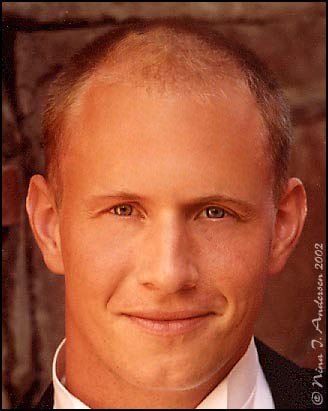
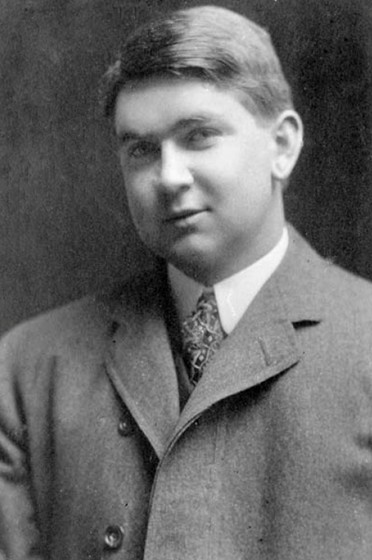
Photoshop: Restoration

Made a man look young again.
  • Photoshop: Restoration
  • Photoshop: Restoration
I learned how to the clone stamp tool and history brush tool as well as the healing tool. It was hard making him young and old at the same time. It was easy to replace the hair and the white spots. It'll help me when I want to make my profile pictures look good. I used photoshop. I used the clone stamp tool to take out his bags and restore his hair. Added a little bit of history brush to replace the bags slightly.

Comments: 0

There are no comments yet, be the first to write a comment!